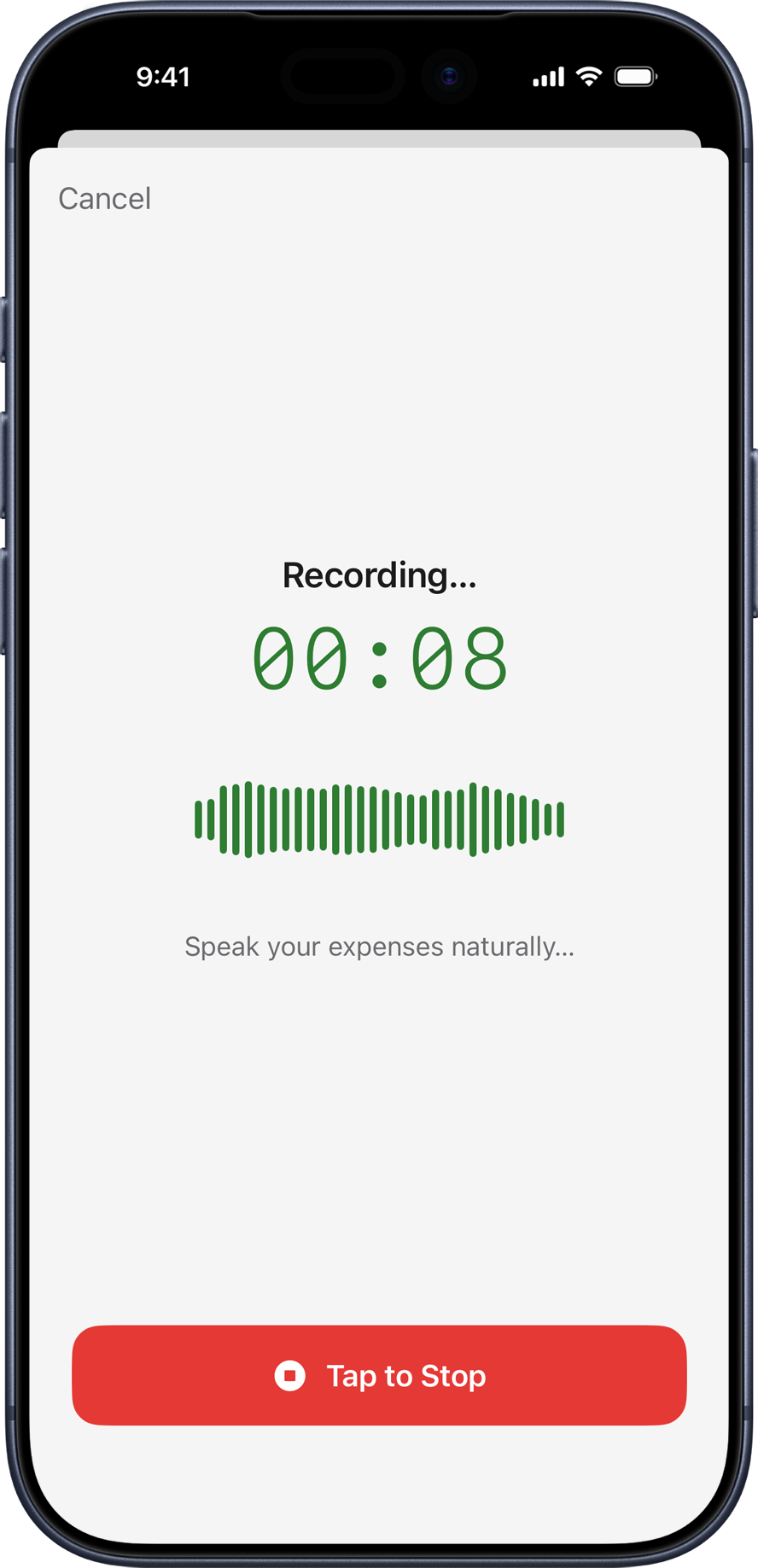
Say "coffee 4.50" or "client dinner 85 business" and VoiceSpend turns your speech into categorized expense entries automatically. No typing. No manual tagging. Just speak, review, and save.
Designed for people who want to track every dollar without the hassle of typing
Just say "coffee $4.50" or "dinner with clients $85 for food" and VoiceSpend captures it. Log multiple expenses in a single recording — the AI extracts each one automatically.
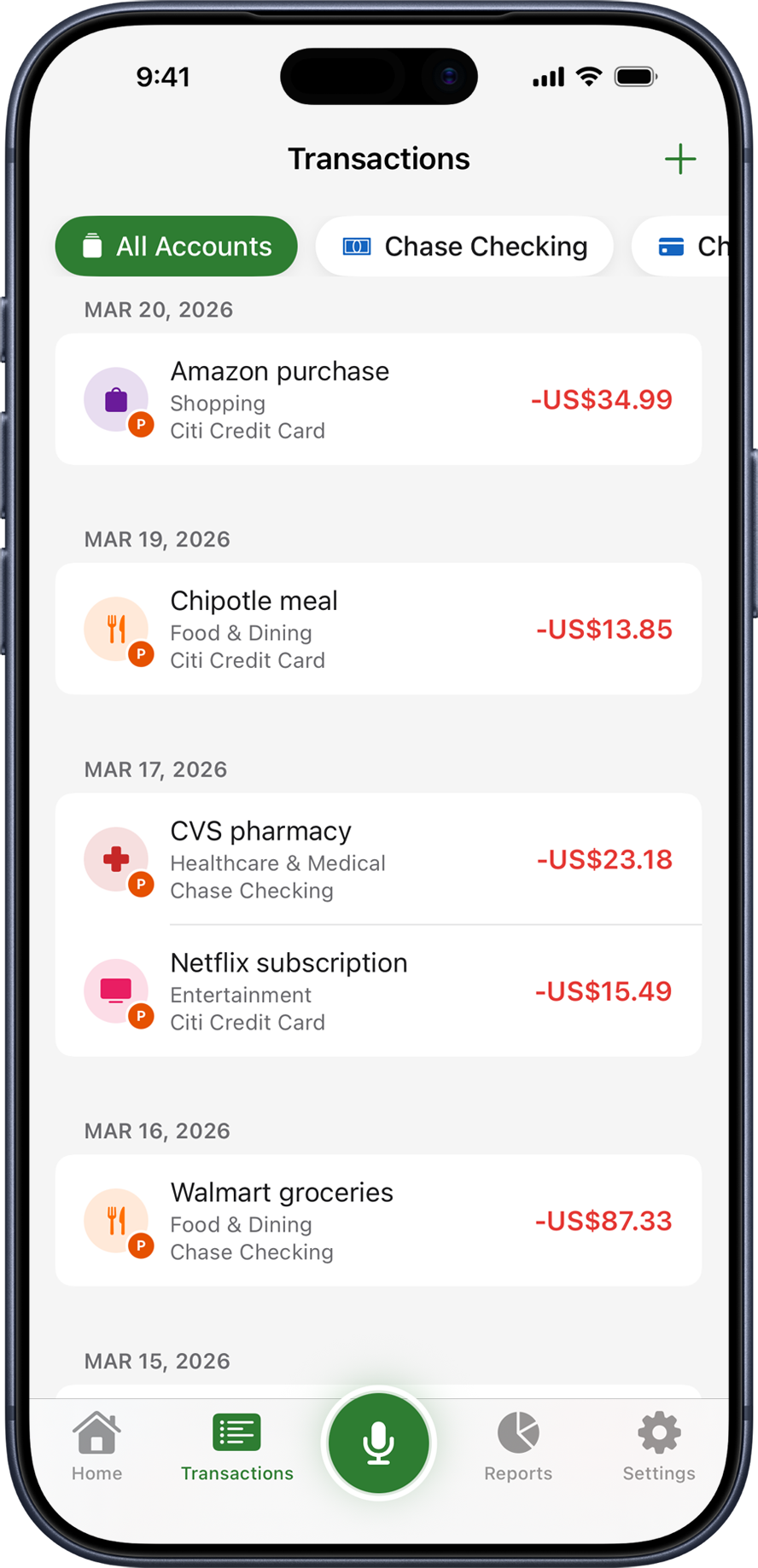
The AI parses your speech to extract amounts, types (expense, income, or transfer), categories, tags, and dates — and even creates new categories on the fly. No manual sorting needed.
Every expense and income gets a tag — Personal or Business by default. The AI assigns the right one from context. Filter your reports by tag to see your personal and business spending completely separately.
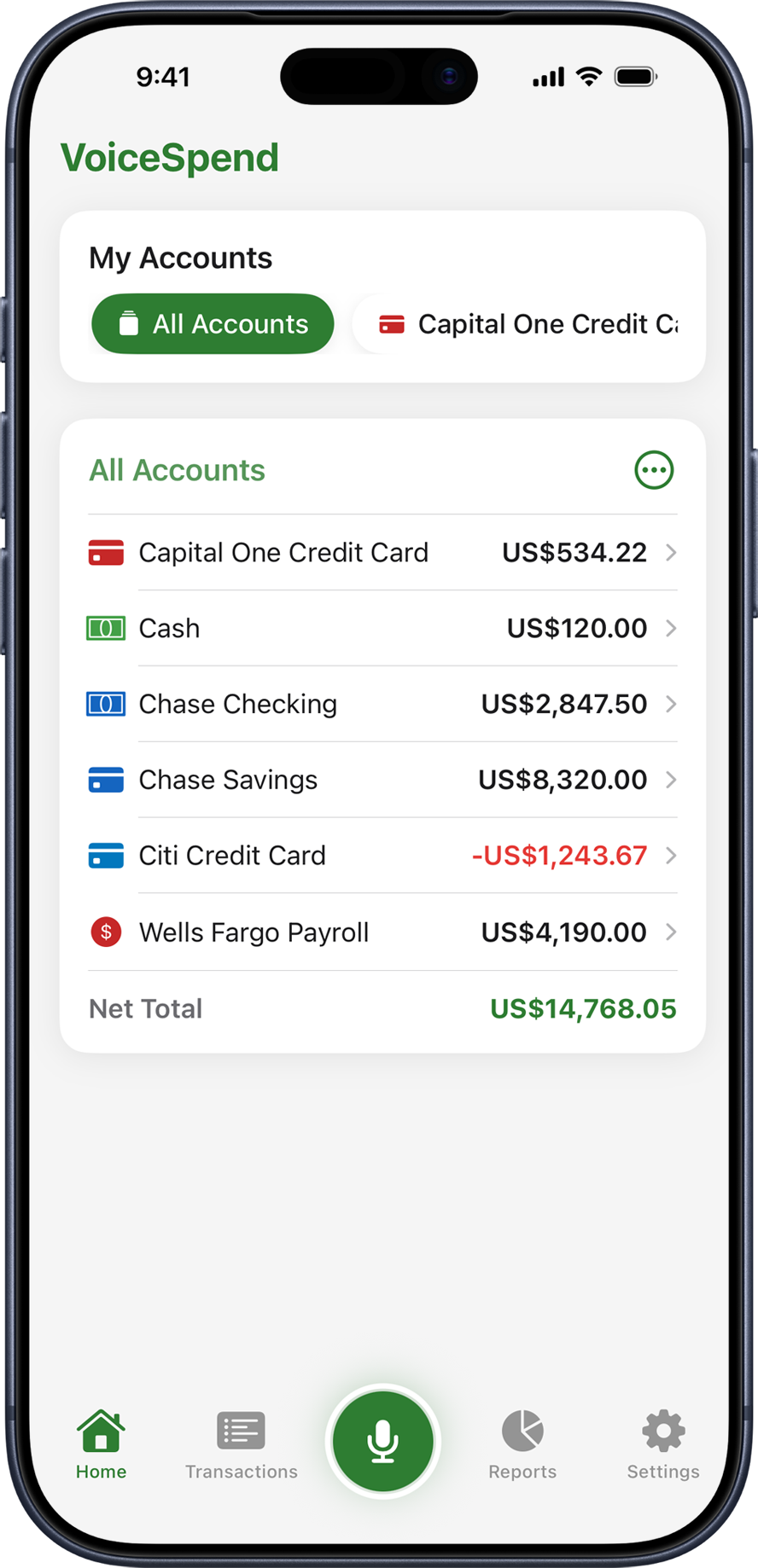
Accounts could mean your Credit Card, Savings Account, Fintech Wallet, or Payroll Account. Say which account an expense belongs to and VoiceSpend routes it correctly. You can also log transfers between accounts by voice.
AI suggests entries from your recording. Review each one, toggle on or off, and adjust amounts or categories if needed — then save everything in one tap. Full control, zero friction.
Monthly summaries with income, expense, and net balance. A donut chart breaks down your top spending categories. Filter everything by tag to isolate Personal or Business spending. Budget progress bars show how close you are to each limit.
Set spending limits per category and tag. Travel (Personal) and Travel (Business) can have completely separate limits. Budget progress bars in Reports turn orange when you're close and red when you've exceeded the limit.
Your accounts and expenses sync automatically to iCloud. Switch devices or reinstall the app and your full history comes back — no manual export needed.
Download your full expense history as a CSV spreadsheet for use in Excel or Google Sheets. Or export a full JSON backup to restore to a new device anytime.
All expenses are stored on your device and in your personal iCloud account — not in a shared cloud database. Audio is sent to our backend only to generate your transcript and is not permanently stored.
Start free, upgrade when you need more
Prices in USD. Billing handled securely by the App Store.